AI Virtual Try-On
for Clothes, Blazers, Suits and Fashion.
Upload your photo, upload a garment image, and generate realistic try-on results in seconds. HD output at 864×1296. Free Starter plan includes 3 try-ons — no credit card needed.

AI try-on
Generated in 12.4s
AI virtual try-on, explained in 60 words.
What is Drape Try-On?
Drape Try-On is an AI virtual try-on studio for clothes, blazers, suits, dresses, kurtas, sarees, and other fashion. You upload a photo of yourself and a photo of a garment; Drape runs garment segmentation, human parsing, and pose estimation, then synthesizes an HD image of you wearing the new outfit in about 12 seconds. The free Starter plan includes 3 try-ons — no credit card required.
Four steps to a new wardrobe.
Drape Try-On runs a four-stage AI pipeline behind a one-screen interface. Most users complete a generation in under 60 seconds.
Upload your photo
A clear, well-lit, front-facing full-body photo. Phone selfies and studio shots both work. JPG, PNG, or WEBP up to 10 MB.
Upload clothing image
A flat-lay product shot or a model wearing the garment. Plain backgrounds give the cleanest results across blazers, suits, dresses, kurtas, and sarees.
AI processes the garment
Our model runs garment segmentation, human parsing, and pose estimation in parallel — then synthesizes the new outfit while preserving your body, face, and accessories.
Get the try-on result
HD result delivered in roughly 12 seconds at 864×1296 resolution. Download, save to your gallery, or regenerate with a fresh seed for variations.
What works best on Drape Try-On.
Drape Try-On is tested across nine common garment categories. Each garment page below covers the exact photo angles, lighting, and quality settings that produce the cleanest results.
Blazer
Structured silhouettes need clean shoulder lines — flat-lays of single-breasted blazers work best.
Suit
Two-piece sets generate per piece. Use a tops shot first, then re-run with the trousers for full-look composition.
Jacket
Bomber, denim, leather, and quilted styles render cleanly. Ensure zippers and hardware are clearly visible.
Shirt
Button-downs, dress shirts, and Oxford styles benefit from "Pro" quality mode with segmentation enabled.
T-Shirt
Highest accuracy across all garment categories. Graphic tees retain prints faithfully on FASHN v1.6.
Dress
One-pieces work great when you select "one-pieces" category. Flowing fabrics may blur slightly at the hem.
Kurta
Long Indian-style tunics generate well with the "tops" category and clear chest-up reference photos.
Saree
Pleating and drape are partially preserved. For best results upload a full saree drape shot rather than just the blouse.
Hoodie
Casual streetwear with consistent identity preservation. Pull-on and zip-up hoodies both work.
Common problems and how to fix them.
If your try-on looks off, it is almost always one of these five issues. Each has a one-line fix.
Cropped garments
Why it happens — The AI cannot infer the missing portion of a garment — collars cut off the frame, sleeves outside the photo, or hems below the crop become best-guess artifacts.
Fix — Upload an image where the full garment is visible from collar to hem. Add a few pixels of white space around the edges.
Side-facing photos
Why it happens — Pose estimation works best on front-facing subjects. Side profiles confuse the parser and the garment may render with distorted shoulders or hips.
Fix — Stand square to the camera with arms slightly away from the body. Avoid extreme angles — a forward-facing photo with shoulders parallel to the lens works best.
Poor lighting
Why it happens — Harsh shadows on the body cause the model to mistake shadow for garment edges, producing dirty seams and uneven color reproduction.
Fix — Shoot in even daylight or with a soft, diffused indoor light. Avoid overhead spotlights and backlit setups (window behind you).
Complex backgrounds
Why it happens — Busy backdrops introduce competing edges that the segmentation network sometimes attributes to the garment, smearing into the result.
Fix — Use a plain wall or neutral background. If you must shoot in a complex setting, ensure the contrast between you and the background is high.
Low-resolution images
Why it happens — Below 512×512 pixels the AI cannot resolve fine details — pinstripes vanish, lace becomes mush, embroidery flattens to color blobs.
Fix — Use at least 1024 pixels on the longer side. Drape compresses to a sensible upload size automatically — feed it the highest-quality original you have.
Inside the AI try-on pipeline.
Drape Try-On orchestrates five computer-vision and generative models behind a one-click UI. Here is what each step does — and why it matters for the quality of your result.
Garment segmentation
A computer-vision step that isolates the clothing item from its background and from any person wearing it. Drape uses a transformer-based segmentation network so it works on flat-lays and on-model photography alike. Read more on /learn/garment-segmentation.
Human parsing
The pixel-level classification of a person photo into body parts (head, torso, arms, legs) and existing clothing regions. This map tells the AI exactly where the new garment should land. Drape parses at the same resolution as the FASHN v1.6 backbone for accuracy.
Pose estimation
Detection of 18 to 25 body keypoints — shoulders, elbows, hips, knees — using a DWPose-style model. The garment is then warped to follow your stance, which is why front-facing photos with arms slightly out from the body work best.
Image synthesis
A diffusion model conditioned on the segmented garment, the parsed person, and the pose map generates the final photo. FASHN v1.6 outputs at 864×1296 resolution with explicit preservation of skin texture, tattoos, and accessories.
Outfit preservation
The non-garment regions of your photo — face, hair, hands, jewelry, watches, glasses — are retained from the original input rather than re-synthesized. This is what keeps the result recognisably you, not a generic AI portrait.
Answers to the questions people actually ask.
Twenty questions sourced from real user support tickets, Reddit threads, and AI-search queries. Want more detail? The /blog hub explores each topic in depth.
What is AI virtual try-on?+
Does AI virtual try-on actually work?+
How do I get the best try-on results?+
Can AI try on a blazer?+
Can AI try on a suit?+
Does AI virtual try-on work for dresses?+
Can it handle sarees and kurtas?+
How long does an AI try-on take?+
Is Drape Try-On free?+
Are my uploaded photos private?+
Can I use Drape Try-On commercially?+
How does Drape Try-On compare to FASHN AI?+
How does Drape Try-On compare to IDM-VTON?+
How does Drape Try-On compare to Kling AI?+
Does virtual try-on reduce product returns?+
Can I integrate Drape Try-On with my e-commerce store?+
What is garment segmentation?+
What is human parsing?+
What is pose estimation?+
Can AI replace fashion photoshoots?+
Drape Try-On vs FASHN AI, IDM-VTON, Kling AI.
Factual feature-by-feature comparison. All values verified June 2026 and re-checked monthly on the dedicated /compare hub.
| Feature | Drape Try-On | FASHN AI | IDM-VTON | Kling AI |
|---|---|---|---|---|
| Output resolution | 864×1296 | 864×1296 (Drape uses v1.6) | 1024×768 | 720×1280 (still frame) |
| Avg generation time | ~12 seconds | ~12 seconds | ~18 seconds | ~45 seconds (video frame) |
| Pose preservation | Strong (DWPose) | Strong | Best-in-class | Moderate |
| Identity & accessory retain | Strong | Strong (same backbone) | Strong on face, weak on jewelry | Weak — re-renders identity |
| Hosting | SaaS — managed | SaaS API | Self-host or 3rd-party Replicate | SaaS API |
| Garment categories handled | Tops, Bottoms, One-pieces, Suits | Tops, Bottoms, One-pieces | Tops, Dresses | Tops only (UI-gated) |
| Commercial licence | Included on paid plans | Included | Self-managed legal | Limited — check current TOS |
| Free tier | 3 free try-ons | Trial credits via fal | Self-host = no per-image cost | Limited trial |
| AI Stylist chat | Yes | No | No | No |
| E-commerce REST API | Yes (Pro plan) | Yes (fal) | You operate the API | Limited |
Who uses Drape Try-On.
Five user archetypes drive most of our traffic. Each one solves a different problem with the same core technology.
Online shopping
See how a blazer fits before paying for shipping. Apparel returns drop 25–40 percent when shoppers preview garments with AI try-on before checkout.
Fashion influencers
Generate weekly outfit content from a single base photo and your wardrobe of garment shots. Maintain a consistent personal-brand aesthetic without daily styling.
E-commerce stores
Render every product on a diverse roster of models via the Drape API. Skip the photoshoot, ship the catalog. Pro plan includes commercial licence and REST API.
Designers
Visualize a tech-pack sketch on a real body in seconds. Iterate on cut, color, and silhouette before committing to sample production.
Personal styling
Curate looks for clients without sourcing samples. Build mood boards and outfit grids that feel real, not just collaged.
Deepen your knowledge.
Every hub below is part of the Drape topic cluster — read in any order.
The before, the garment,
the impossible.
Three frames, no Photoshop. Each card shows a real user photo, the garment, and Drape's AI-generated try-on.
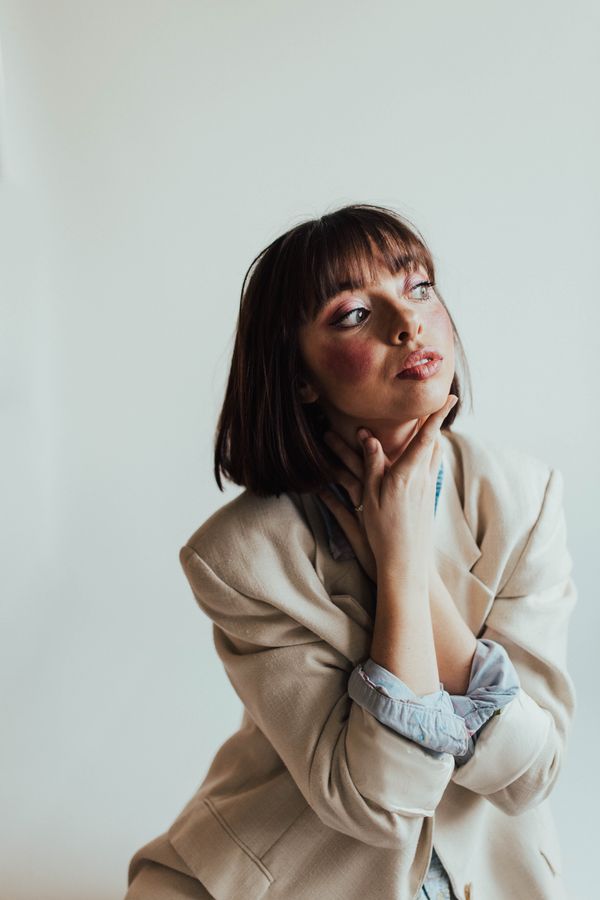


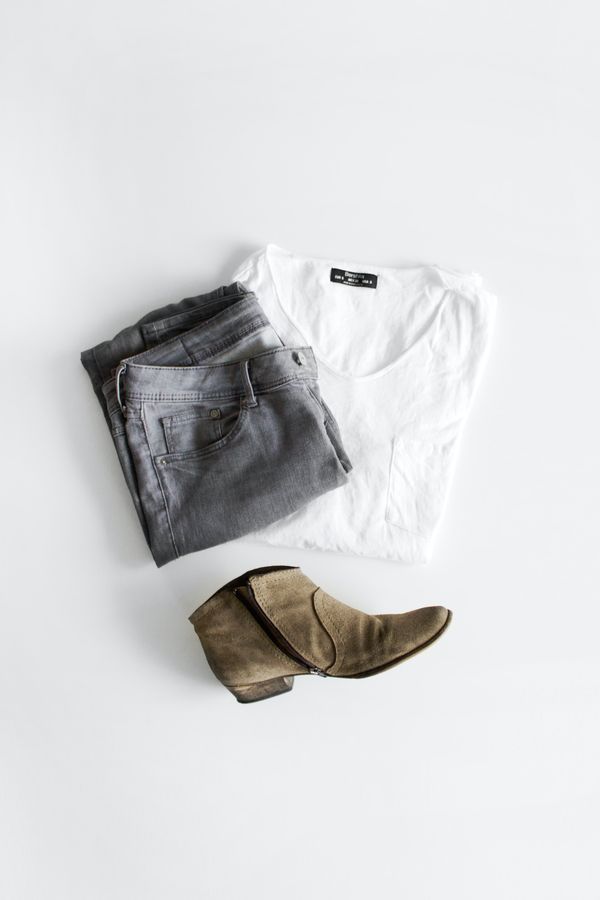


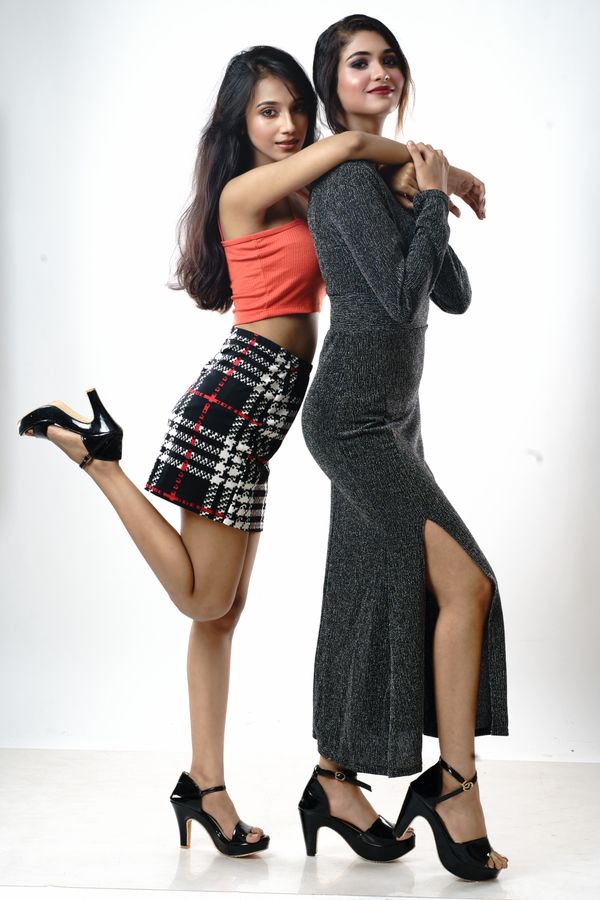
Example results — your photo, your garment, your style.
Your personal
creative director.
Trained on decades of editorial archives. Ask for "an autumn evening look" or "what pairs with this skirt" — get curated recommendations in seconds.
Simple, transparent,
never sneaky.
Start free. Upgrade when you fall in love. Cancel any time. Credits from packs never expire.
- 3 free looks total
- Personal use
- Watermark-free
- Email support
- HD quality (864×1296)
- Commercial license
- AI Stylist beta
- Priority email support
- Save unlimited looks
- HD + 4K upscale
- Full commercial license
- API access (Bearer keys)
- Priority FAL queue
- Dedicated support
- Early access to new models
Buy credits.
Use them whenever.
One-time purchases. No subscription required. Pack credits never expire and stack on top of your monthly plan.
Secure checkout · Credits never expire · 14-day money back
Questions, answered.
Still curious? Email surygraphics360@gmail.com — we reply within 24–48 hours.
Try Drape risk-free.
Not in love within 14 days? Email us and we'll refund your subscription — no questions, no friction. One-time credit packs are non-refundable once any credit is used, but unused packs are fully refundable for 30 days.
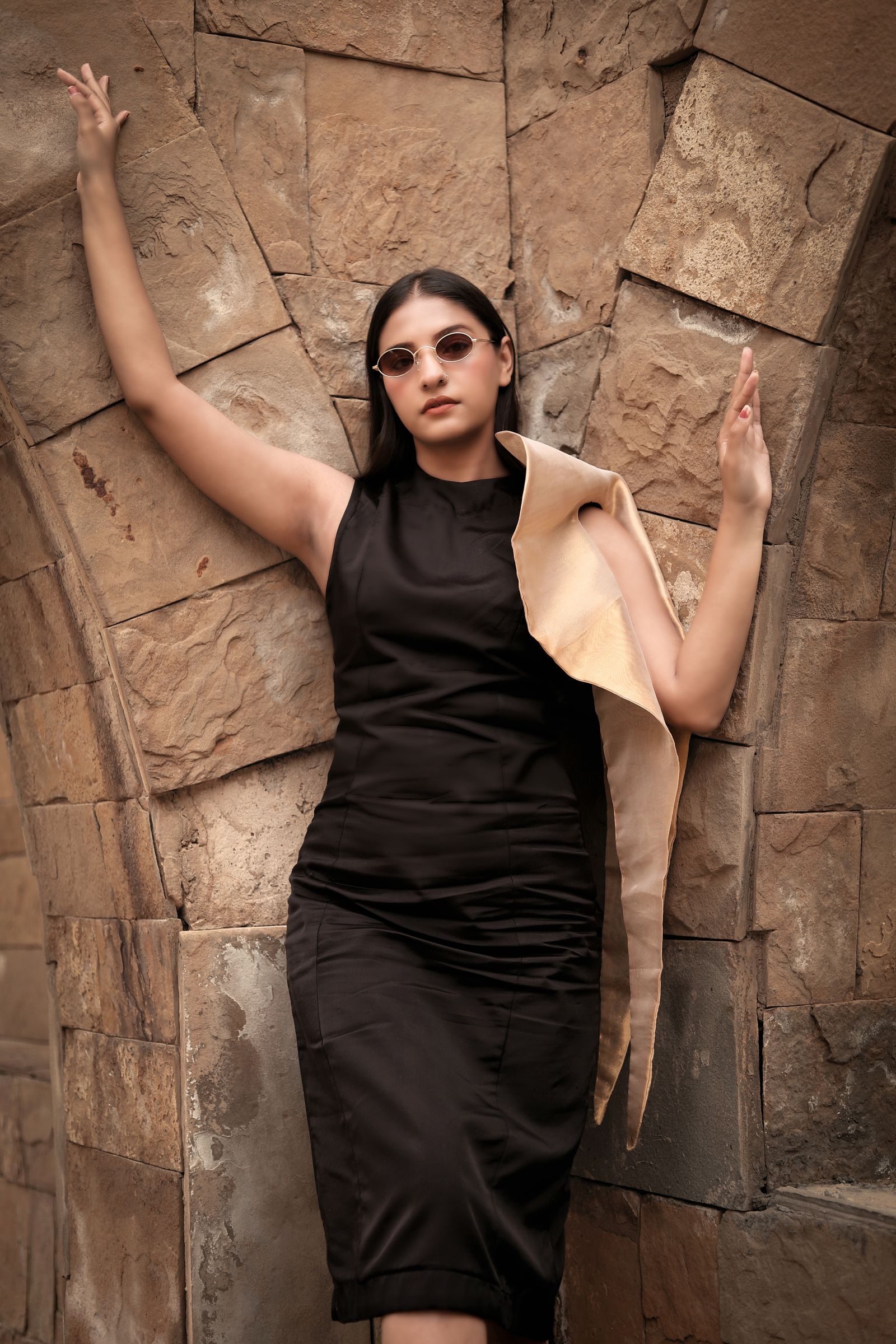
The fitting room
never closes.
Five free try-ons. No card needed. See yourself in something new in under a minute.